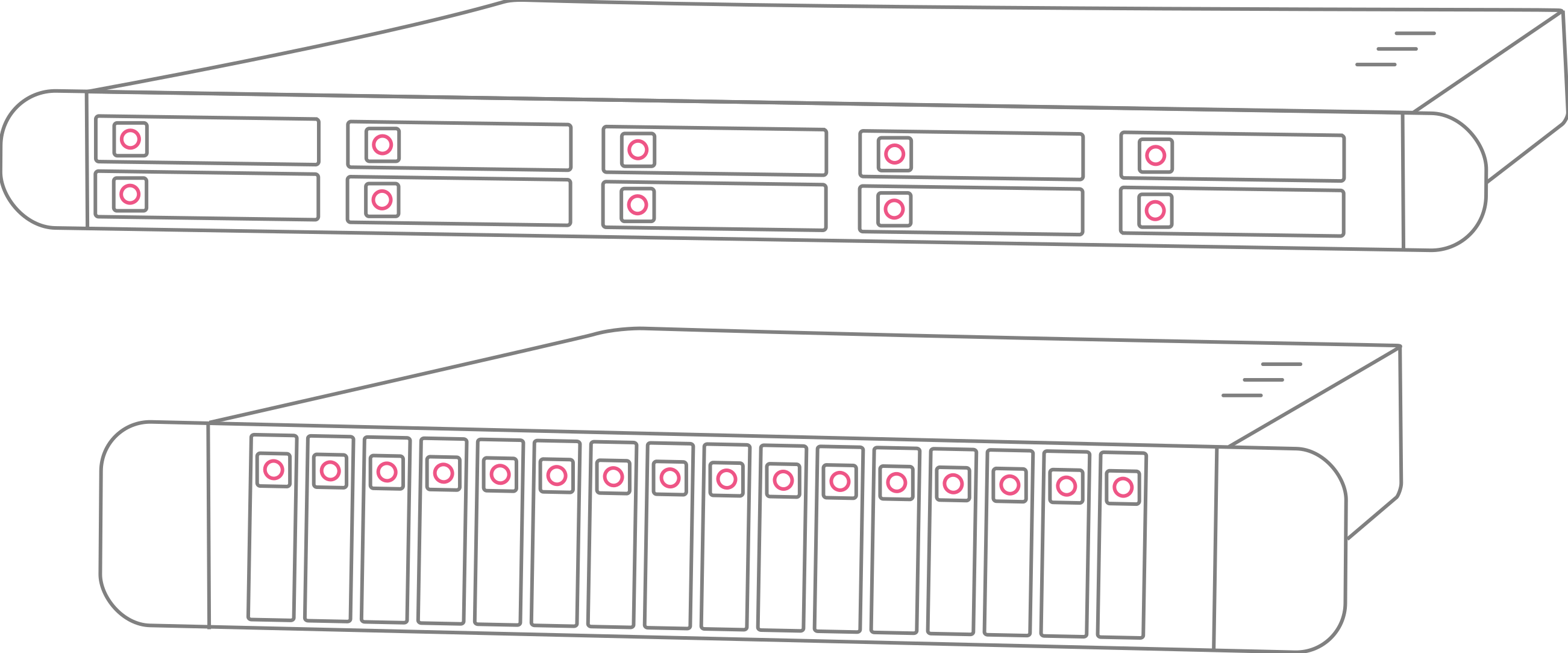
SSD VPS plans
Every plan runs Intel Xeon Gold CPUs, DDR4 ECC memory, and RAID-10 on data-center SSDs, with free unmetered inbound traffic, 10 Gbps ports on Pro and Ultimate, and a 7-day money-back guarantee.
Need space over speed? If capacity more important to you than speed then our Storage VPS series, powered by enterprise HDDs in RAID 10, is the perfect solution for you — up to 2 TB per server from €5/mo.
Explore Storage VPSData safety by default
Every node runs RAID-10 on enterprise drives. A failed disk is a non-event: your data stays intact and your server keeps running while we hot-swap the drive and let the array rebuild.
Complete control
Reinstall the OS, create and restore snapshots, boot a custom ISO, open a VNC console, and watch live CPU, memory and bandwidth graphs. All of it from one control panel.
Our network, end to end
We operate our own network on AS199701, with our own IPv4 and IPv6 ranges and 10 Gbps uplinks through multiple Tier-1 providers in the Netherlands.
Support that knows the platform
Tickets are answered 24/7 by the engineers who build and run the nodes, not an outsourced first line. Plans are unmanaged, but we will still dig into a problem with you.
Operating systems
 AlmaLinux
 Alpine
 CentOS Stream
 Debian
 Fedora
 openSUSE
 Rocky Linux
 Ubuntu
 Windows
…or boot your own ISO
Windows
…or boot your own ISO
What people run on them
Databases and caching
PostgreSQL, MySQL, MongoDB, Redis. Small random reads and writes are exactly what an SSD array is for, and query latency tracks disk latency far more closely than it tracks core count.
Websites and cPanel hosting
WordPress, Laravel, or a full cPanel stack serving real traffic. Page generation waits on disk more often than on CPU, and we are a confirmed cPanel Partner if you want the licence from us.
Game and application servers
Minecraft, Valheim, Rust, or any application where world loads and asset reads happen while players wait. Fast disk turns a noticeable pause into something nobody comments on.
SSD VPS questions
The main difference comes down to performance versus storage capacity.
An SSD VPS is built around speed. Flash storage in RAID-10 handles small reads and writes with very low latency, keeping websites, applications, and databases responsive when many requests hit the disk at once.
A Storage VPS is built around room. High-capacity hard drives give you far larger plans, which suits backups, archives, and media libraries, where what matters is how much fits rather than how fast it responds.
Both handle large file transfers well. The difference shows up when a server is answering constant small requests, and that is where SSD pulls ahead.
In short: choose an SSD VPS for faster performance on websites, applications, or databases, and a Storage VPS for cost-effective storage of large amounts of data.
No. Backups are a paid add-on, automated and stored separately from your VPS. You can add them at any time.
Yes, full root on Linux or Administrator on Windows, from first boot. Every plan is unmanaged by default, so the machine is yours to configure however you want.
Need more than 240 GB?
Custom plans go up to 40 cores, 128 GB RAM, and 2 TB SSD storage. Upgrade anytime, no migration needed.